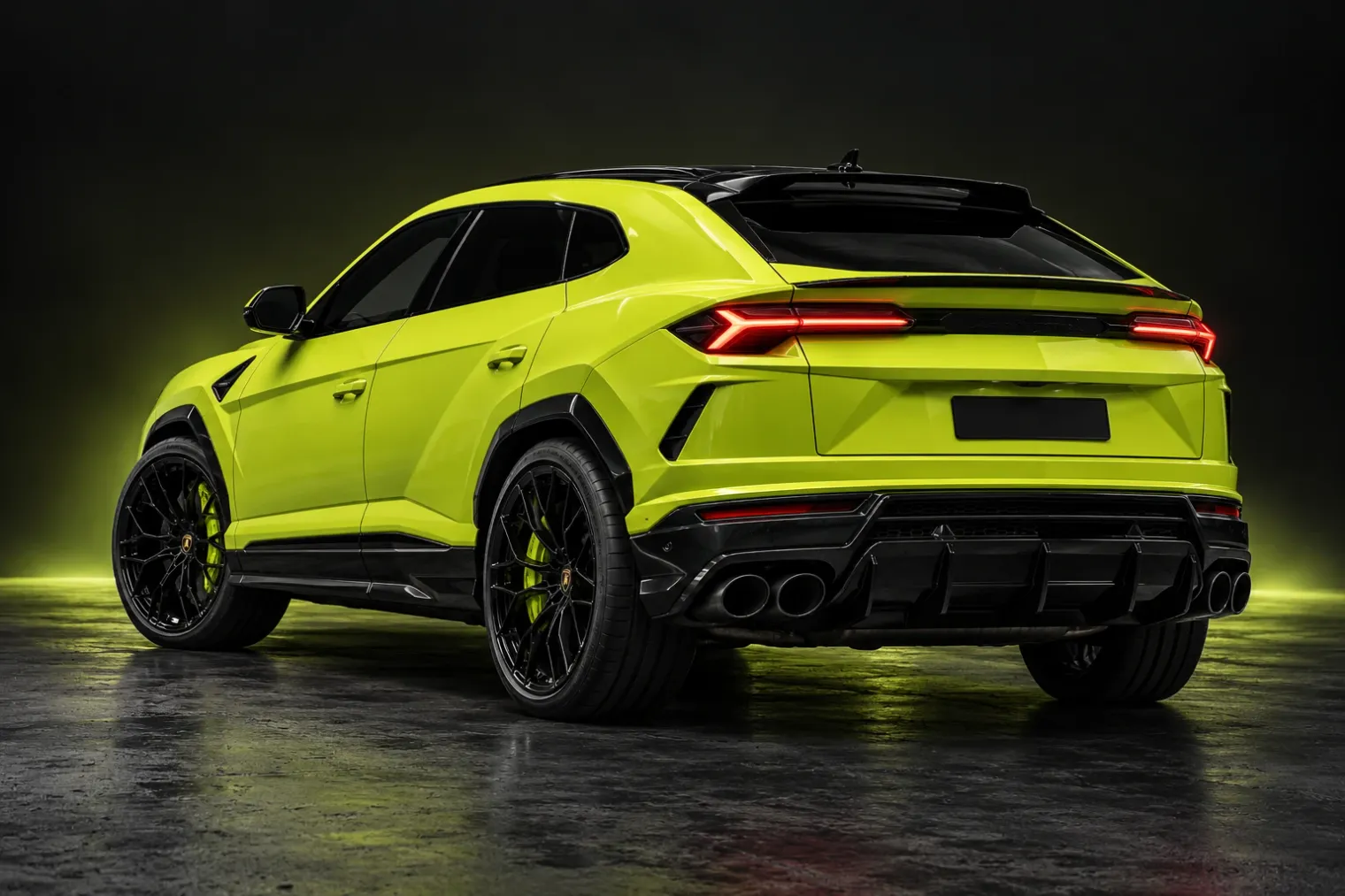
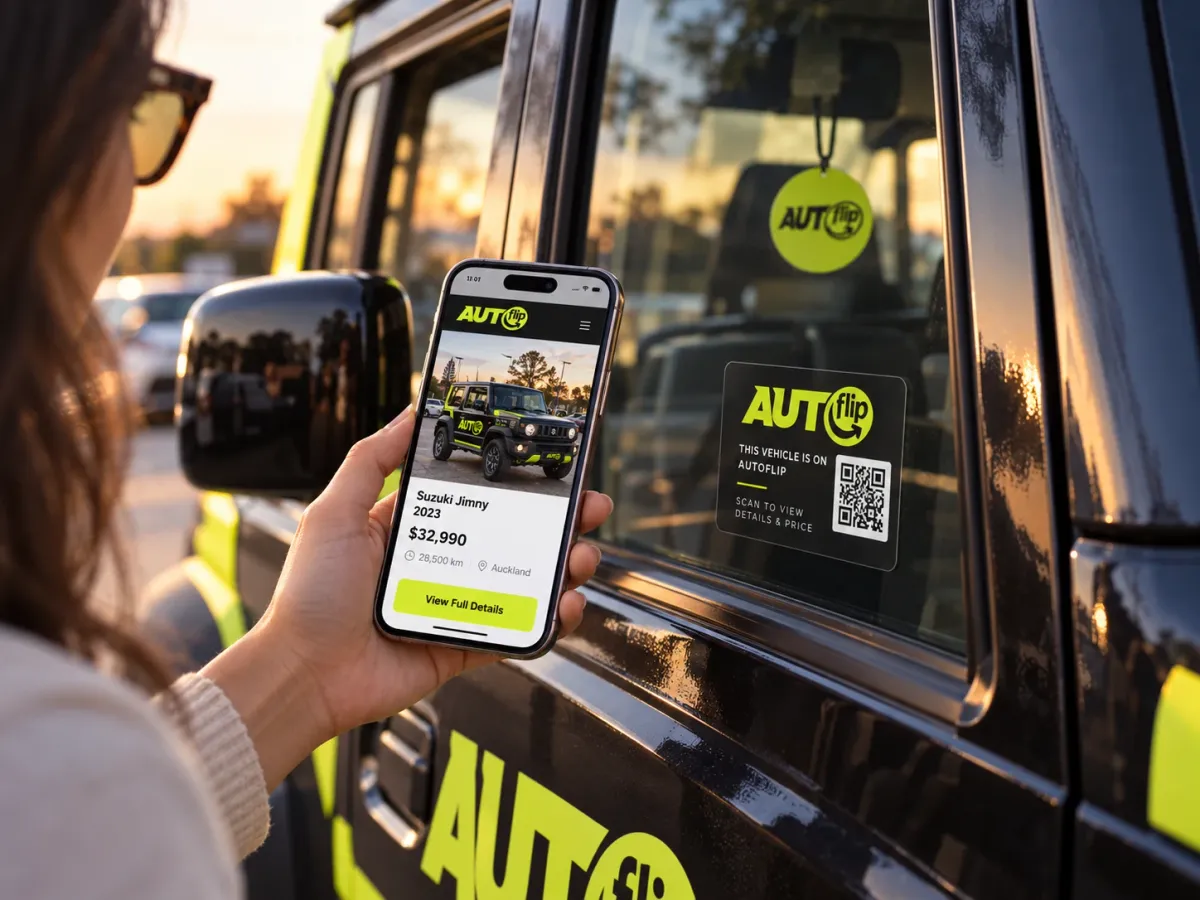
AutoFlip links the car in front of you to its own digital listing. Buyers, private sellers and dealerships find each other, talk and make offers — all in one place, without handing out a phone number.
From the car on the street to the deal, in seven steps.
01Chapter 1 of 7
What is AutoFlip?
A marketplace that starts with the car itself. Every listed car has a passport code that opens its listing — so the car on the street and the car online are the same car.
A digital listing for every car
A passport code anyone can scan
Chat and offers without sharing numbers
The car’s passport codeAF-7Q2K-4D
Its own listingExample
Porsche 718 Cayman GT4
R 2,150,000
9,500 km · Manual · Petrol
Message the seller
02Chapter 2 of 7
Who is AutoFlip for?
Anyone buying a car, anyone selling theirs, and the dealerships in between — each with a way in made for them.
Buyers browse free, no account needed
Private sellers list from their phone
Dealerships work in their own portal
BuyersFind it, scan it, ask about itBrowse without an account. Message a seller when you are ready.
Private sellersSell it yourself, not aloneList from your phone and keep your number to yourself.
DealershipsYour stock, your codes, your leadsApply, get approved, and work from the dealer portal.
03Chapter 3 of 7
Get started
A name, an email and a password. Confirm the six-digit code we email you, and the account is made.
Free to join
One account for buying and selling
Install it on your phone like an app
Create your account
Name
Thandi M.
Email
thandi@example.com
Password
••••••••••
Create account
Check your email
We sent a six-digit code to thandi@example.com
4
8
1
0
2
You’re in — browse, save and sell
04Chapter 4 of 7
Get verified
An ID photo and a selfie, checked by AutoFlip. A verified badge on AutoFlip only ever reflects a real check.
Identity checksRolling out
Vehicle checks against VIN and registrationRolling out
Your documents stay private
Verify your identity · 2 of 3
Now a selfie
ID photo added
Look at the camera
Take selfie
Rolling outBeing checkedAutoFlip reviews the ID and selfie. The result shows in My Garage.
VehicleVIN and registration, kept privateStored for AutoFlip’s checks, never shown on a listing.
05Chapter 5 of 7
List, scan & discover
List in four steps from your phone. Put the passport code in the window, and anyone who scans it lands on your listing.
Four-step listing with labelled photos
A passport code, minted when you publish
The printed listing packComing soon
Step 4 of 4
Photos
Main
Front · 62%
+ Interior
+ Rear
Publish listing
AF-7Q2K-4DScanned
Opened from a scanExample
Lamborghini Urus
R 4,250,000
18,000 km · Automatic · Petrol
Message the seller
06Chapter 6 of 7
Chat & make offers
Every conversation sits against the car it is about. Offers arrive in the same thread — accept, counter or decline.
In-app messages
Offers and counter-offers
Accepting reserves the car
Lamborghini Urus
Private seller
Example
Hi, is the Urus still available?
Yes it is. Happy to arrange a viewing.
Your offerR 4,100,000Countered · R 380,000
Offer acceptedR 380,000The car is reserved for you
Message
07Chapter 7 of 7
Make your next move
Book a viewing, apply for finance or request a service. Payment and handover stay between buyer and seller — AutoFlip never holds the money.
Viewing requests
Finance applications
InsuranceComing soon
Live
Book a viewingAsk from the car page; agree the time in the chat.
Live
Apply for financeFour routes, the right forms, documents uploaded securely.
Live
Request a serviceInspection, recon, tyres and more — arranged by AutoFlip.
Coming soon
Insurance quoteCover before you drive away.
The car’s passport codeAF-7Q2K-4D
Its own listingExample
Porsche 718 Cayman GT4
R 2,150,000
9,500 km · Manual · Petrol
Message the seller
BuyersFind it, scan it, ask about itBrowse without an account. Message a seller when you are ready.
Private sellersSell it yourself, not aloneList from your phone and keep your number to yourself.
DealershipsYour stock, your codes, your leadsApply, get approved, and work from the dealer portal.
Create your account
Name
Thandi M.
Email
thandi@example.com
Password
••••••••••
Create account
Check your email
We sent a six-digit code to thandi@example.com
4
8
1
0
2
You’re in — browse, save and sell
Verify your identity · 2 of 3
Now a selfie
ID photo added
Look at the camera
Take selfie
Rolling outBeing checkedAutoFlip reviews the ID and selfie. The result shows in My Garage.
VehicleVIN and registration, kept privateStored for AutoFlip’s checks, never shown on a listing.
Step 4 of 4
Photos
Main
Front · 62%
+ Interior
+ Rear
Publish listing
AF-7Q2K-4DScanned
Opened from a scanExample
Lamborghini Urus
R 4,250,000
18,000 km · Automatic · Petrol
Message the seller
Lamborghini Urus
Private seller
Example
Hi, is the Urus still available?
Yes it is. Happy to arrange a viewing.
Your offerR 4,100,000Countered · R 380,000
Offer acceptedR 380,000The car is reserved for you
Message
Live
Book a viewingAsk from the car page; agree the time in the chat.
Live
Apply for financeFour routes, the right forms, documents uploaded securely.
Live
Request a serviceInspection, recon, tyres and more — arranged by AutoFlip.
Every car listed on AutoFlip gets its own passport code. Put it in the window and anyone walking past can scan it to open the listing, see the car’s details and message you — without seeing your number.
LiveA passport code for every listed car, opened by any phone camera
LiveDealerships download and print codes for their stock
No. Anyone can browse the marketplace and open a car. You need a free account to save cars, message a seller, make an offer or list your own.
No. AutoFlip never takes, holds or moves money for a car. Payment and handover are arranged between buyer and seller. Only optional advertising is paid to AutoFlip.
Every listed car has its own passport code. Scanning it with any phone camera opens that car’s listing, so someone who sees the car in person can find it online.
Yes. Dealerships apply, are reviewed by AutoFlip, and then work in their own dealer portal for stock, codes, leads and offers.
Never on a listing. Conversations happen inside AutoFlip, and you share contact details only if you decide to.
Make your next move.
Browse without an account. Create one when you’re ready to save a car, message a seller or list your own.